
How to Design Custom Snowboard Graphics: Steps, Specs & Costs
By Ray · BoardCanvas · Specs checked against the makers' official pages
To design custom snowboard graphics: (1) pick your board model and its exact template, (2) create artwork at full board size and the maker's required resolution, (3) check the wrap and binding-insert placement in 3D, (4) export a print-ready file (never trimmed to the board shape), and (5) send it with your board order. The fastest route is a free browser tool like BoardCanvas, which applies the maker's UV template automatically.
1. The three routes, honestly compared
| Route | Cost | Time | Control |
|---|---|---|---|
| Maker's design service (e.g. Donek's artist) | Variable, incl. ~2 hrs design | Days | Low |
| DIY with maker templates (Illustrator) | Software subscription | Hours–days | Total |
| Online tool (BoardCanvas) | Free; AI $2.90 / 5 designs | Minutes–hours | High |
2. Step 1–2: Template and canvas
Every maker uses different specs. Donek wants a full untrimmed rectangle at 150 DPI (JPG/TIF) or AI/SVG — and does not accept Photoshop files. Prior wants bitmap art at 300 DPI in a rectangle sized board length +6 cm × 34 cm. Proteus uses a 68 × 13 inch Illustrator template. In BoardCanvas you skip the hunt: choose the brand, model and length, and the UV template is applied for you.
3. Step 3: Design and check in 3D
Upload your own photo or artwork, or generate a design with AI on the board's long, narrow canvas (square images stretch or crop badly). Rotate the interactive 3D model to check edges and reflections, and confirm that faces, text and logos are not covered by the 4x4 binding insert pattern.
4. Step 4–5: Export and order
Export a high-resolution PNG for free, or vector outlines on Starter and above. Keep the artwork a full rectangle — makers trim it themselves. Then send the file with your order and allow for build time: roughly 10 weeks at Donek, 2–8 weeks at Proteus, 30–50 days at Wired after artwork approval.
Worked example: one board, start to finish
To make this concrete, here is how a real design in the BoardCanvas gallery — “Oceanic Surf Pintail” on an Offshore Snow Shapes Snurfs Up — goes from idea to an orderable board. The Snurfs Up is a surf-inspired pintail, so the artwork leans into that: a hand-drawn ocean swell that runs the full length of the topsheet and wraps toward the narrower tail.
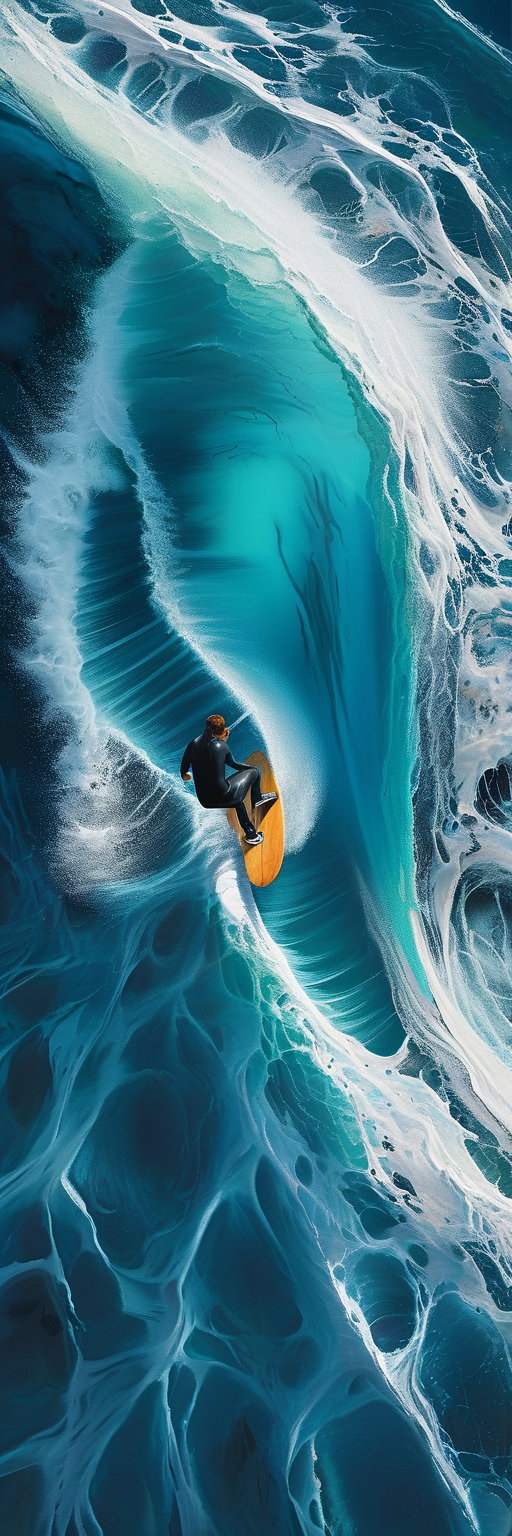
Step 1 — template first, art second. The design starts on the Snurfs Up's exact outline, not a generic rectangle, so the swell's crest can be placed against the wide nose and the foam line can taper with the pintail. Step 2 — generate wide, then compose. The wave was generated as a full-board AI design (10 credits), then nudged so no critical detail sits in the binding-insert zone. Step 3 — the 3D check. Rotating the board shows how the artwork bends over the nose and tail — the part a flat file never shows you. Step 4 — export and order. The high-resolution PNG export is free; with Offshore, a bespoke build is a serious commitment (their Custom series starts at ¥500,000), which is exactly why the design is prototyped and approved on screen before anything is sent to Niseko.
File preparation checklists by maker
Donek. Accepts AI/SVG vector files or JPG/TIF at 150 DPI at full size. Self-supplied topsheet graphic: $100; printed base: $120; die-cut base: $165. Current lead time is around 10 weeks, so the artwork deadline is much earlier than the riding deadline. Prior. Wants bitmap artwork at 300 DPI, supplied as a rectangle of board length + 6 cm by 34 cm — not trimmed to the board outline. Custom orders run through orders@priorsnow.com, and Prior has built custom boards since 1989, so their spec is battle-tested; follow it exactly. Offshore Snow Shapes. Handmade in Niseko; design expectations follow the series (Craft/Urushi from ¥144,000, iD from ¥340,000, Custom from ¥500,000). Confirm the current artwork spec with them before exporting final files.
Seven mistakes that get artwork rejected — or ruined
1) Trimming the file to the board outline. Makers print from a rectangle and cut/press to shape; a pre-trimmed file leaves white edges. 2) Designing at screen resolution. 72–96 DPI art looks fine on a monitor and prints as mush; work at the maker's number (150 DPI Donek, 300 DPI Prior). 3) Faces and logos in the insert zone. Bindings cover the middle of the board; keep key elements clear of the 4x4 insert pattern. 4) No bleed. Artwork must run past the outline on all sides or the press shift shows. 5) The wrong rectangle. Prior's +6 cm / 34 cm rule exists because of their press process — a file at exact board length is too short. 6) Shipping a raw AI image. Generation resolution is not print resolution; upscale and inspect at 100% before sending. 7) Designing before choosing the model. A graphic composed for a wide powder nose dies on a narrow twin. Model first, art second — in BoardCanvas the template is the model, so this mistake is designed out.
How much and how long, honestly
Design itself can cost nothing: BoardCanvas's editor, templates and PNG export are free, and a $2.90 Trial pack covers five full-board AI generations if you want them. The money is in the board: Donek customs with your graphics start around $840–$865 for the board plus $100–$165 of graphic options; Prior, Proteus ($749 plus $50 handling) and Wired (from $1,099 CAD) sit in the same band; Offshore's handmade series runs from ¥144,000 to ¥500,000+. Time: Donek quotes roughly 10 weeks; build in artwork approval time on top for every maker. The full breakdowns are in our cost and lead-time guides — both linked below in the sources.
Topsheet or base: where should the design live?
Both, ideally — but they do different jobs. The topsheet is what you and everyone on the chairlift actually see most: in the rack, on the lift, in every photo where the board is right-side up. It is also the surface bindings cover, so its visible real estate is the nose third and tail third. The base is the billboard: it faces the camera in every airborne photo and everyone behind you on the lift. Donek prices the choice explicitly — self-supplied topsheet graphic $100, printed base $120, die-cut base $165 — and the die-cut premium buys crisp, separate colour pieces rather than a printed image, which suits bold logos and type better than photography. If budget forces one surface, put the hero artwork on the topsheet and a bold, simple mark on the base: subtle art on a base is invisible at riding distance, while a loud base under a quiet topsheet looks like two different boards. Design both surfaces in one session while the palette and motif are in front of you — in the editor, the base is the same model flipped, with the same insert discipline.
Deciding your route in five questions
1) Do you already have print-ready art? If yes, a template route (or BoardCanvas upload) is a day of work; if no, you are choosing between a maker's artist, your own drawing tools, or AI generation. 2) Which maker, which model? This decides the file spec before any aesthetics — 150 vs 300 DPI is a 4× pixel difference. 3) How much iteration do you want? AI generation at 10 credits per full-board design makes twenty variants an afternoon; a maker's included design time (Donek's service includes roughly two hours) suits people who want one guided pass. 4) What is the board's total budget? Graphics options add $100–$165 at Donek before the board itself; know the stack before falling in love with a die-cut base. 5) When must it be rideable? Count backwards from the trip, not forwards from today — a 10-week build plus artwork approval rounds eats a season faster than expected.
Sources
Create Your Custom Snowboard Deck
Apply these specs and design your unique AI graphics in 3D now.